
Chargeback Management
Summary
Upload and manage your chargebacks within Carro Now Powering Modern Dropship. Gain valuable insights into frequency, amount, and common reasons. Manage the gathering of evidence to successfully dispute chargebacks and recover lost funds. All in a single, easy-to-use interface. Supported by our AI-enabled suite of tools, the management and disputing of chargebacks is simple.
Add New Chargeback
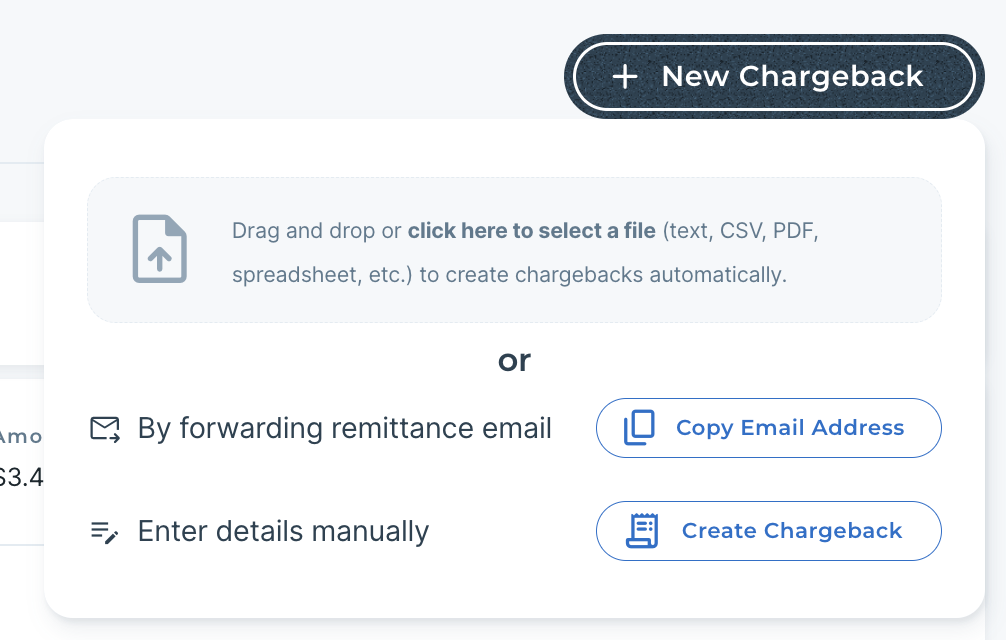
There are three easy ways to add new chargebacks to Carro Now Powering Modern Dropship.
Forward Remittance Email
Forward any remittance or chargeback emails from your retailer, and Carro Now Powering Modern Dropship will find the chargebacks and create individual chargebacks. These can be EDI 820 remittance emails or any other format.
Upload File
Upload a CSV, XLSX, or PDF file of outstanding chargebacks. Carro Now Powering Modern Dropship will ingest the chargeback data and create individualized chargebacks from your file.
Manually Create
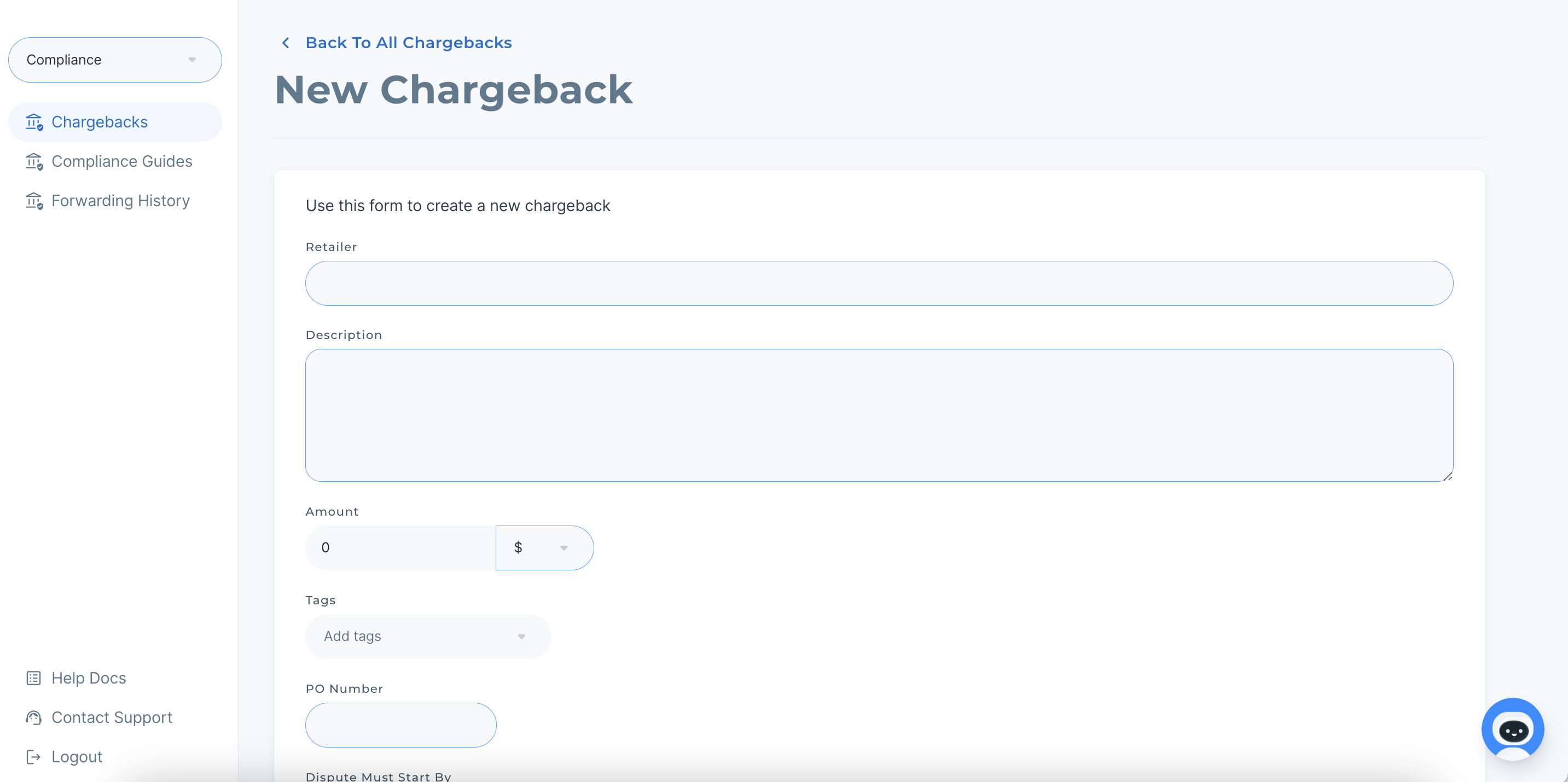
Chargebacks can be created by manually inputting chargeback data directly into Carro Now Powering Modern Dropship.
Gather Evidence
In order to successfully dispute a chargeback, evidence is often needed for the retailer. Upload any evidence files, emails, images, etc directly to each chargeback to streamline evidence gathering across internal teams.
Evidence can also be uploaded without logging into Carro Now Powering Modern Dropship. Simply copy the email address on the chargeback, and have any team member forward evidence to that email address, and Carro Now Powering Modern Dropship's AI tools will attach it to the chargeback.