
How to Update All Margins in a Price List
Edited
This guide outlines how to update all of the retail margins in an active price list.
If you do not yet have a price list created, refer to our Pricing Setup Guide.
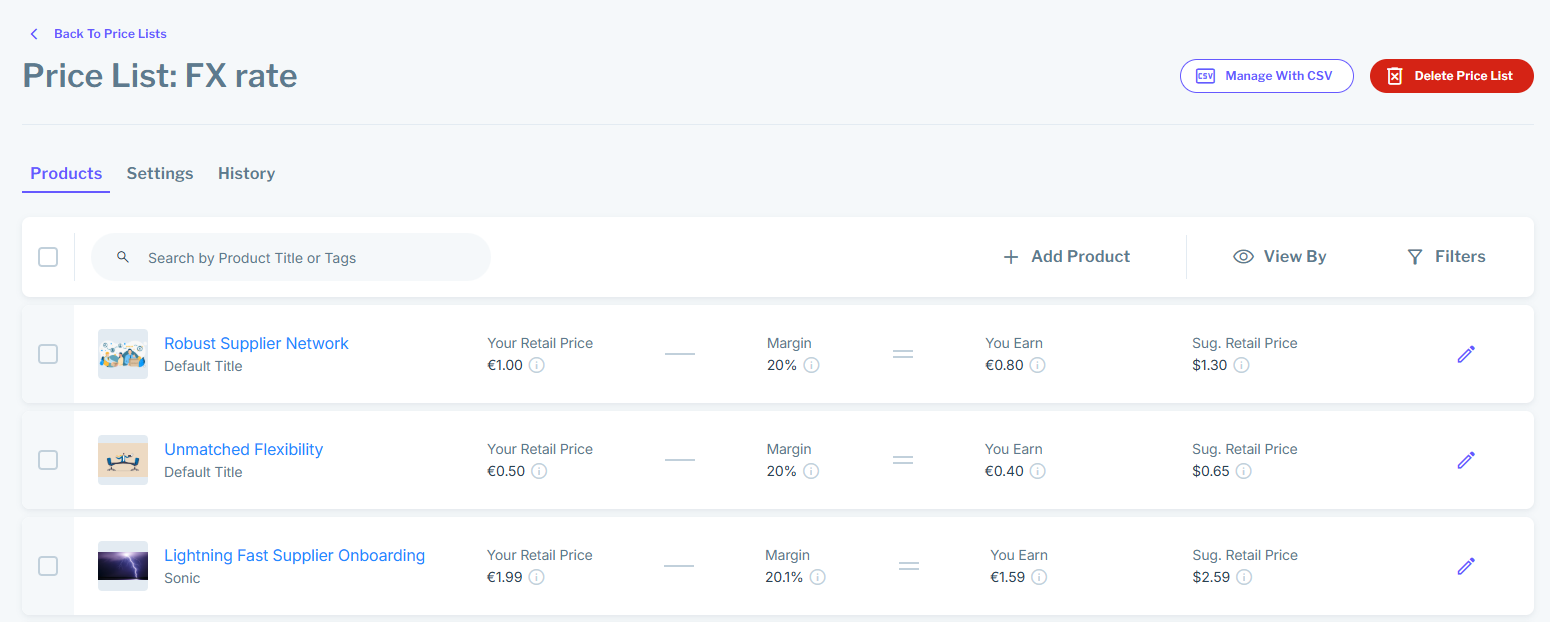
To start, navigate to the Prices page and select the price list you wish to modify. You will see a list of Price List Entries:
Navigate to the right-hand side of the screen to view your Dropship and Wholesale Margins:
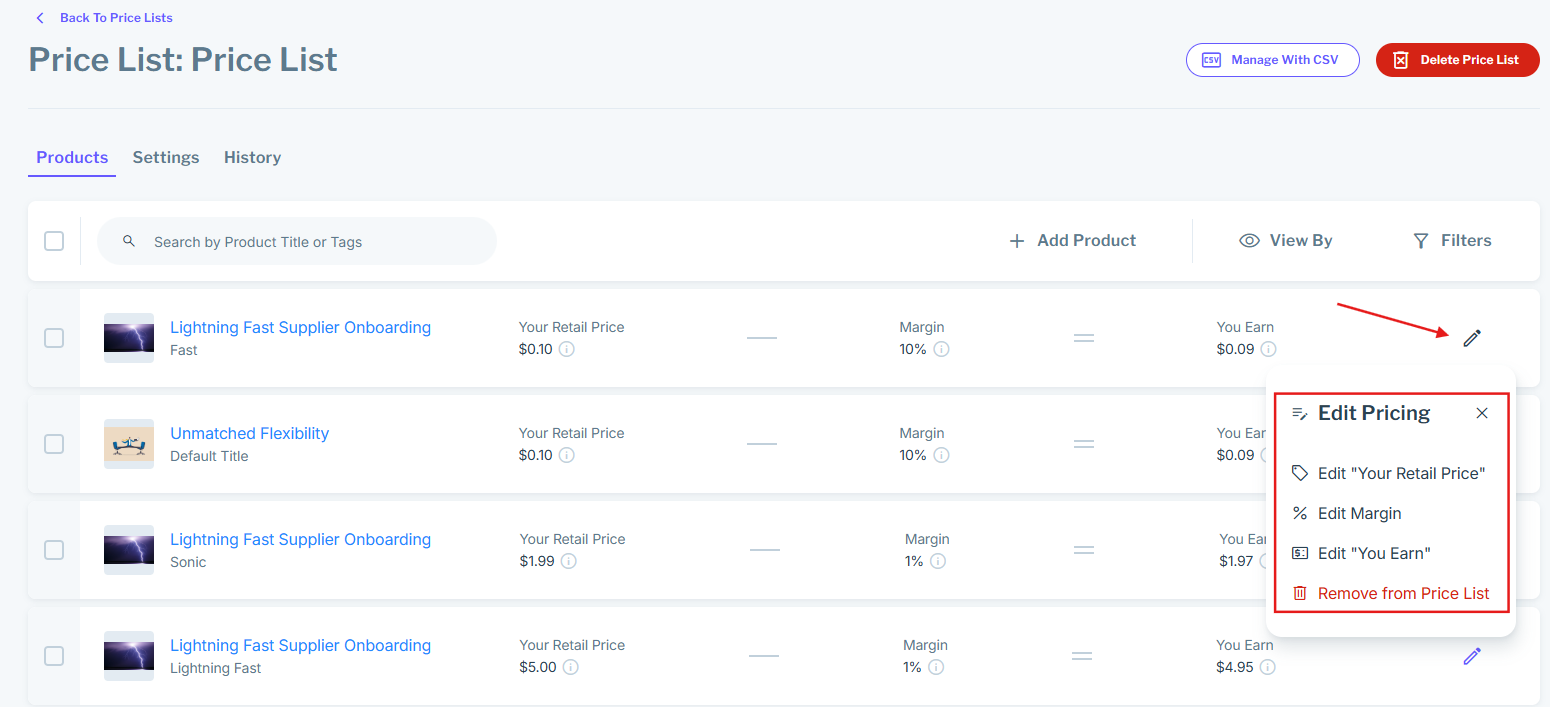
To modify either your Dropship or Wholesale margins, input a new number value into the margin field. Then click "Save Price List Configuration".
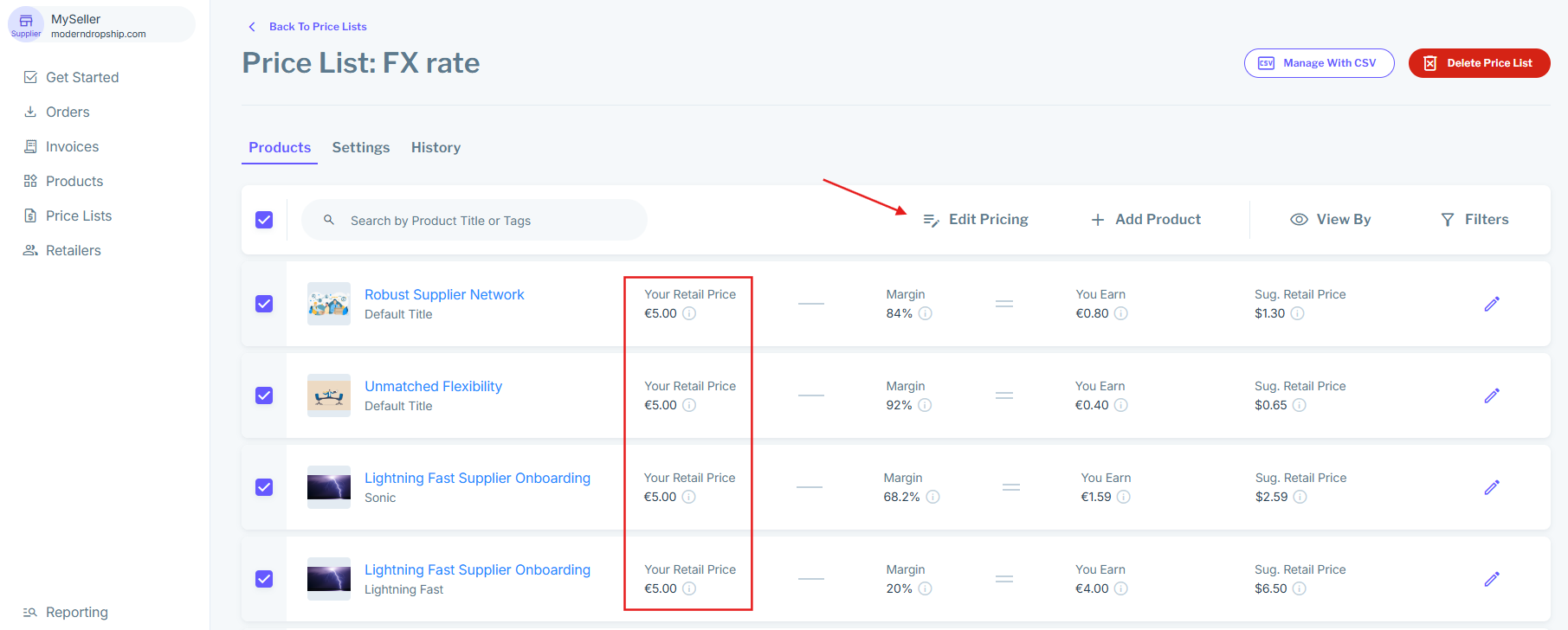
To see your updated Price, refresh the list. If you had updated margins like in this tutorial, you'll see those changes:
If you still have questions, please check out our other guides or contact our support team.
Was this article helpful?
Sorry about that! Care to tell us more?